
Employee Guide Requesting Time Off :
-
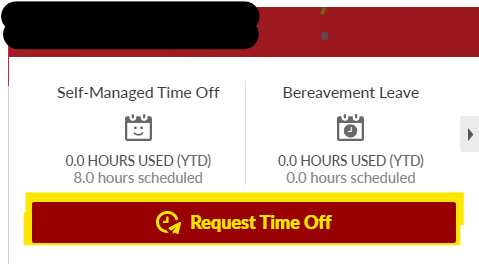
Log into BambooHR and select <Request Time Off> from the Home page
-
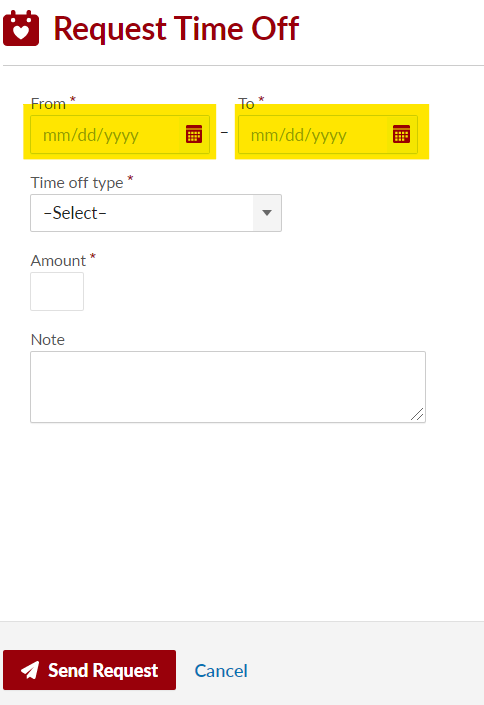
Select the date(s) for your request
-
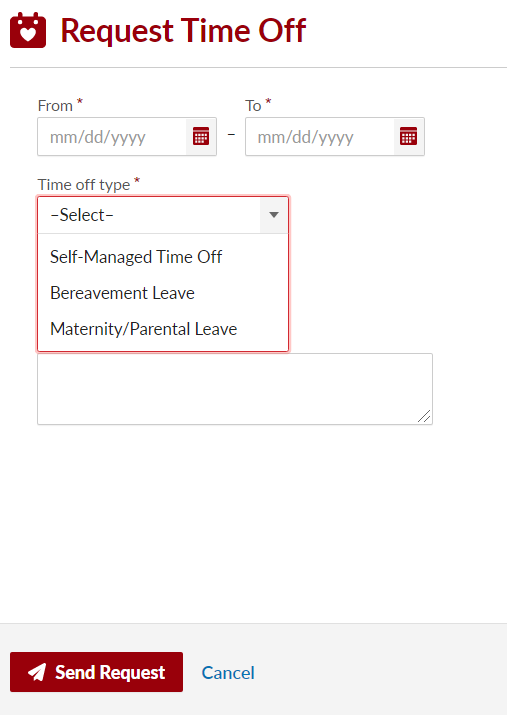
Select the <Time off type>
-
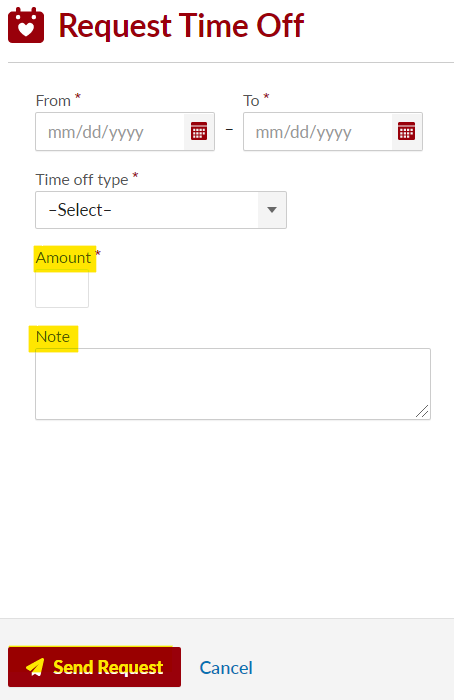
Specify the number of hours you will be taking off. If multiple days are requested, the system will auto-fill with 8 hours per day.
-
If notes are needed, enter them in the Note section
-
Click Send Request and you're done!